

Industry: swimming / freediving teaching school.
Challenge: create the visual design for a freediving school one webpage presenting three different viewports (mobile, tablet and desktop).
Role: UX/UI interactive designer.
The project consisted in creating the UI design for a freediving school in three different viewports (mobile, tablet and desktop). The name of the freediving school is ApneaBAQ which did not have a clear branding identity and also required suggestions for logo, branding creation as well as one page website where we could list interesting sections for their students.
In order to create the one page website for the freediving school, the challenge was to understand the needs of the school and over all the student's needs especially for those who were new , wanting to know more about the freediving discipline. For this, we ensure to understand the school by interviewing the main instructor/associate and freediving students.
We also identify the following main points to take in account:
We focused mainly in two aspects for the research phase as follows below:
We interviewed a freediving instructor and some students to know more about the following concerns:
We asked above topics and many more. With this we gathered a more clear understanding about their needs in order to define the project goals.
Based on the information gathered previously, we defined the following project objectives:
For the branding aspect we created a moodboard and started researching for inspiration based on the school needs. We also, received feedback and modify accordingly. Below, we can see some elements of the moodboard such as colors, images, shapes, typography and lastly logo and icons options.

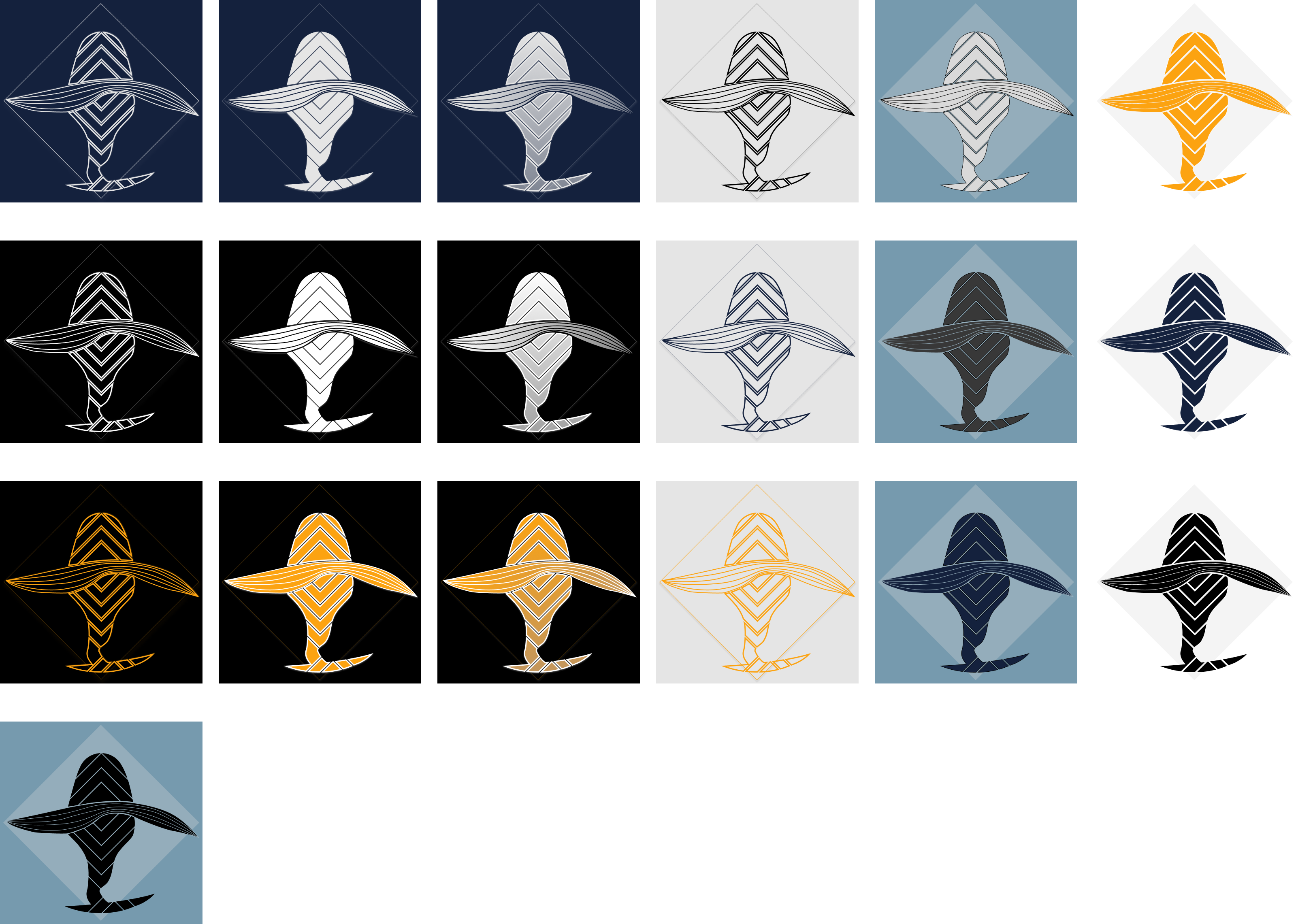
Then, we defined branding (colors, logo etc). After that, we started researching for the relevant content in the market for this kind of services to be contrasted with the school information. With this we built the structure of the page with the relevant content to be offered for the students as follow.
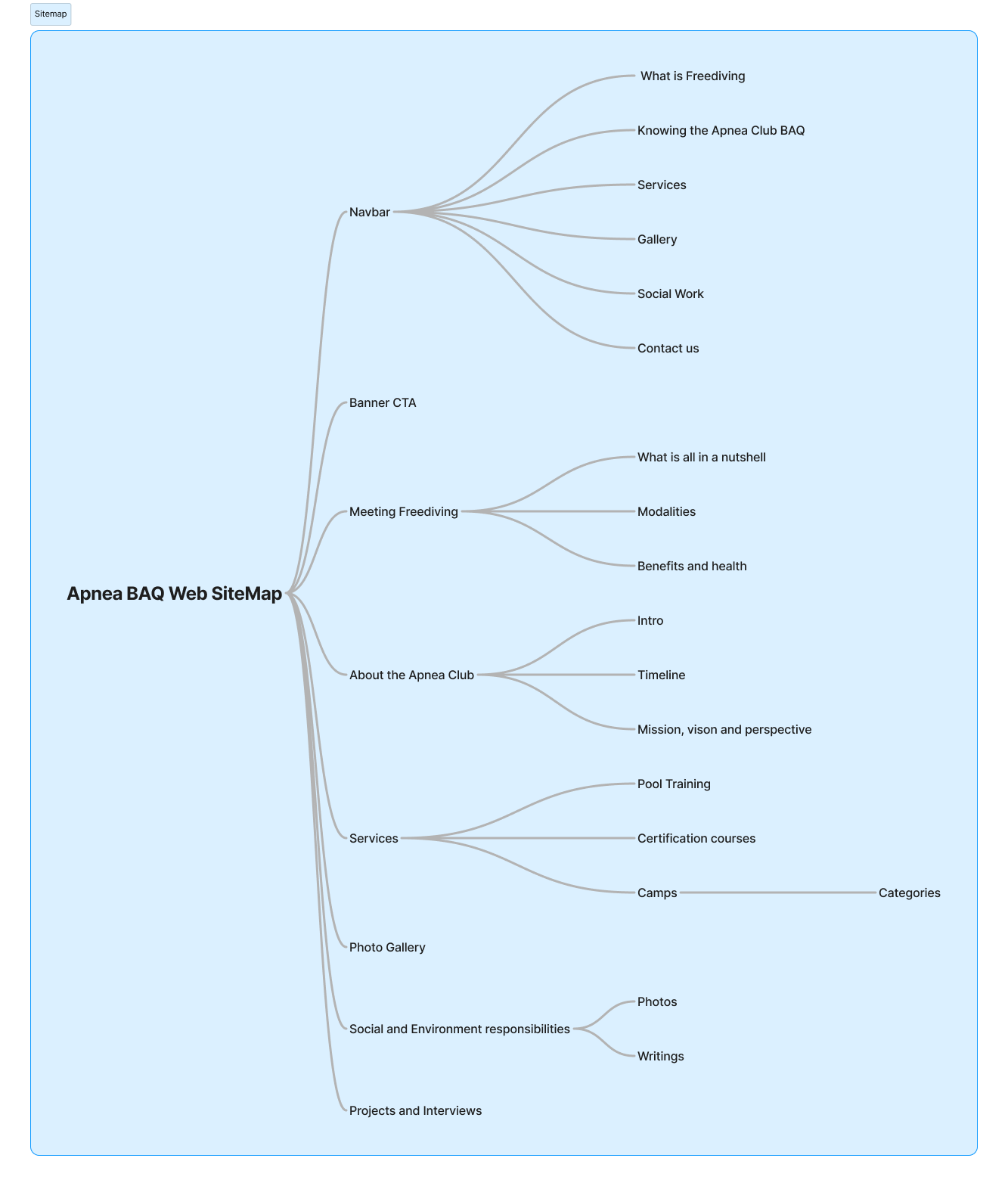
Having the structure already defined, we continue our journey creating the UI elements and components such as styles, page sections and other components as follows below.
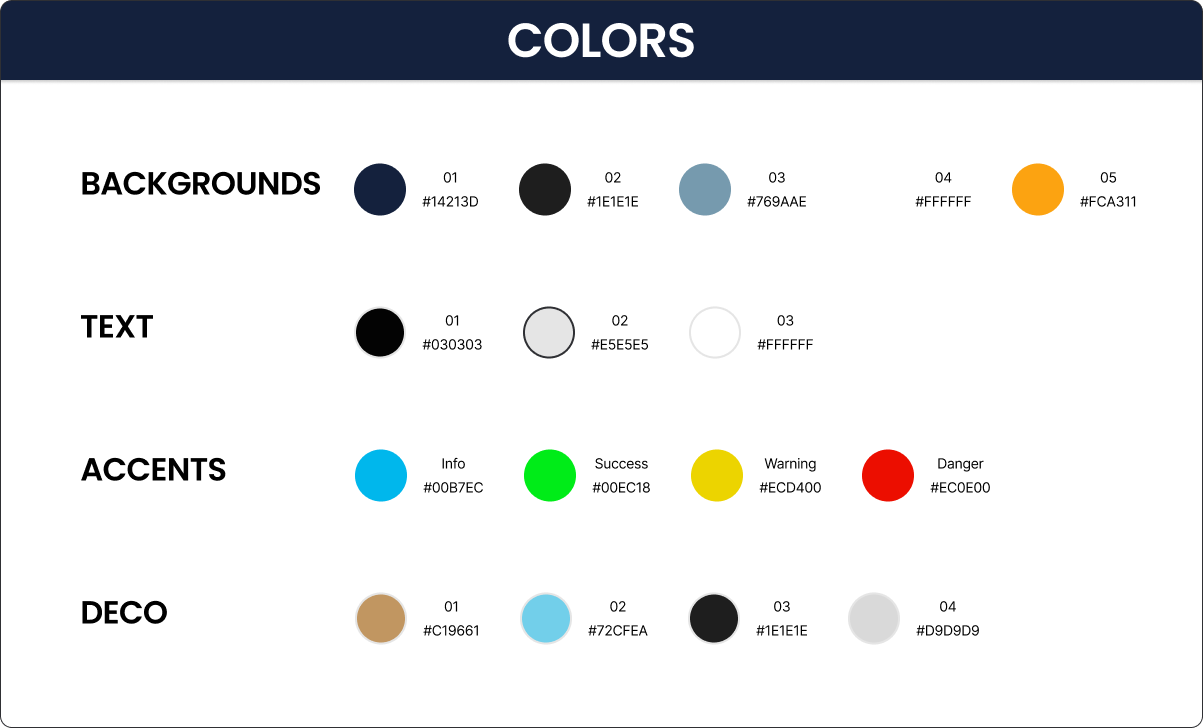
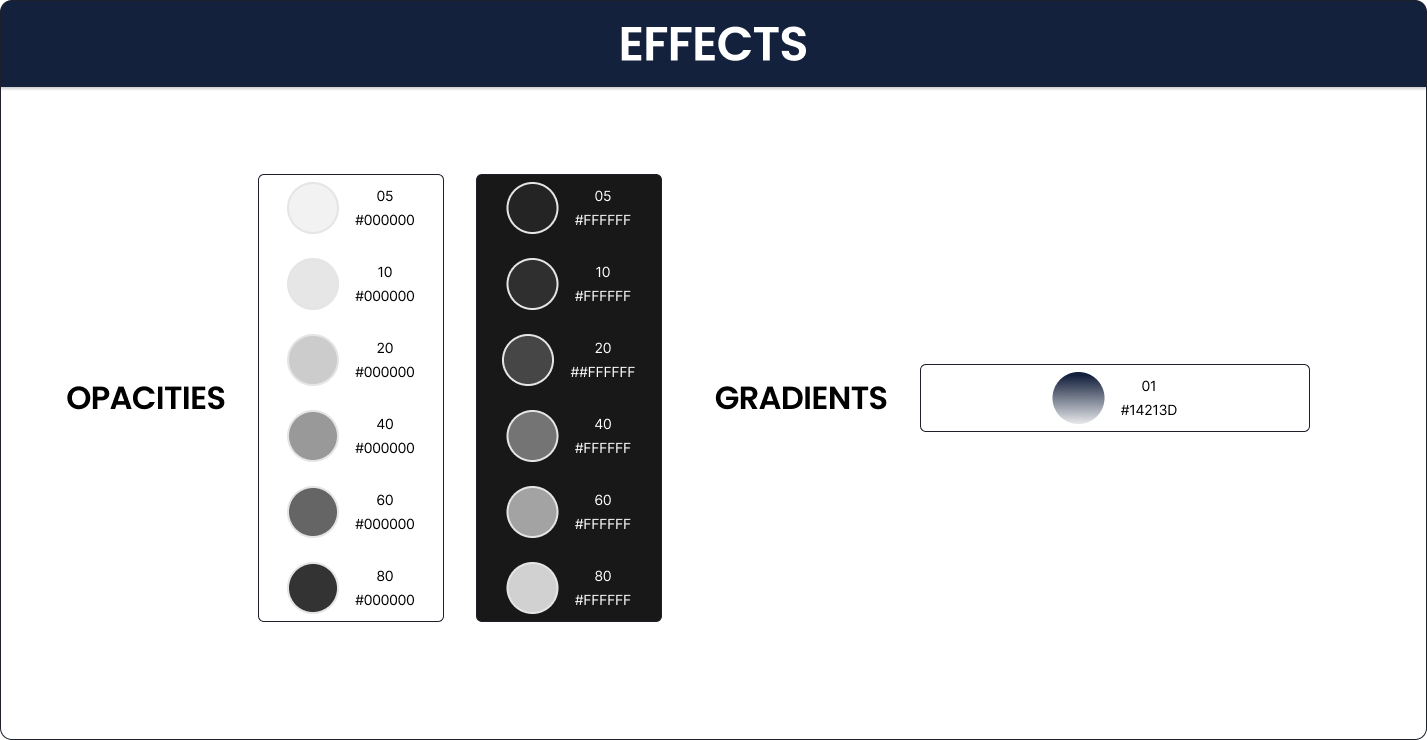

Also, we created the layouts for mobile,tablet and desktop respectively as well their grids. Furthermore, we created many other components but we can see below some of them as follows:


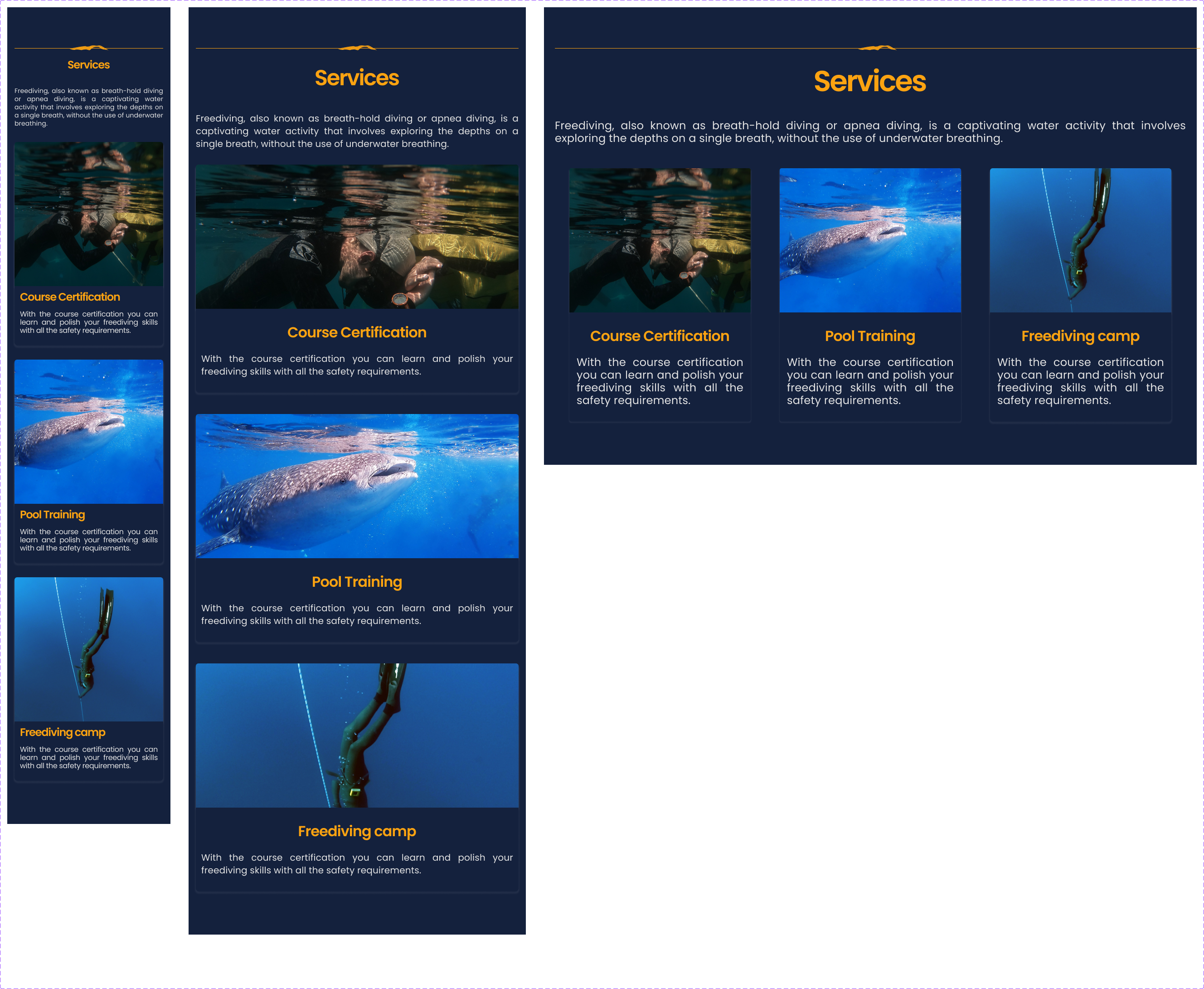
Above are displayed some of the many sections created to compose the visual design. With all this components we created the onepage website for the three viewport options (mobile, tablet and desktop). Below, we can see the UI design and a brief explanation of different sections of the onepage website.
Based on the information gathered from the research, we considered to begin with seven main sections such as informative section, know us sections, services, gallery, social work, contact us and footer section.
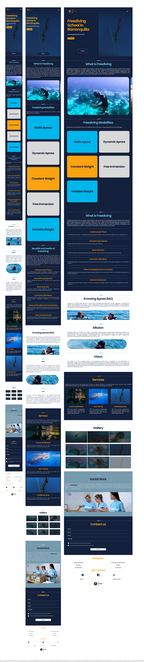
To see the design prototype, please click the link below or the one located at the top.